



Go Live in 10 Days
Interactive Sales Infrastructure for Real Estate Developers
Interactive Sales Infrastructure for Real Estate Developers
Real Estate Projects, Live on the Map
Real Estate Projects, Live on the Map
Help buyers understand your project faster — and give your sales team a better way to sell it.
Help buyers understand your project faster — and give your sales team a better way to sell it.
Live availability, plans, media and booking — all connected to your project map in one interactive sales experience.
Live availability, plans, media and booking — all connected to your project map in one interactive sales experience.
Access Anywhere


Live Unit Availability

Interactive Site & Floor Plans
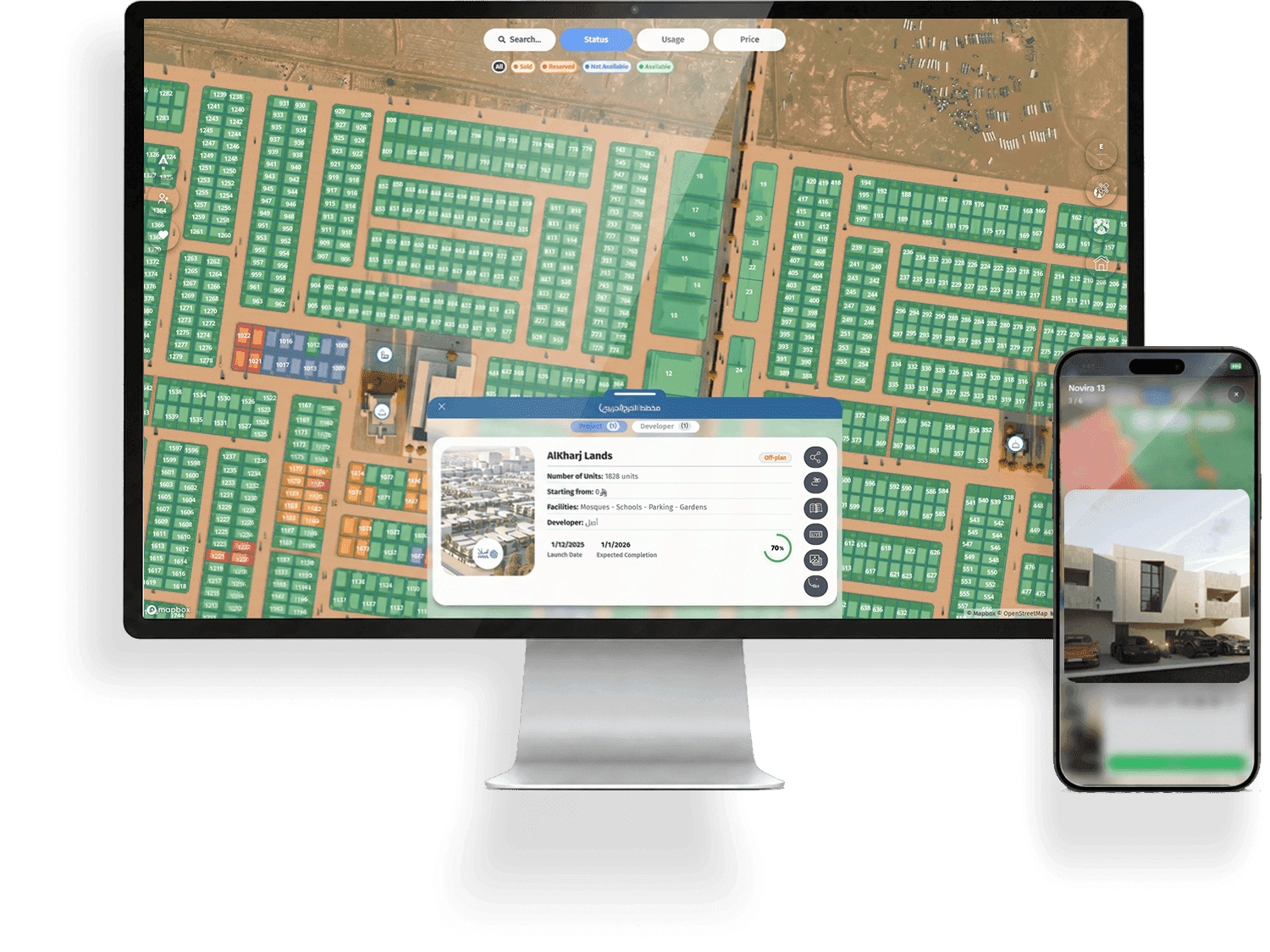
Live Unit Availability
Interactive Site & Floor Plans

How Developers Use RealMap
How Developers Use RealMap
RealMap gives developers practical SaaS tools to present, share, explain, manage, and sell projects; not just list them online.
RealMap gives developers practical SaaS tools to present, share, explain, manage, and sell projects; not just list them online.

All Your Projects on One Base Map
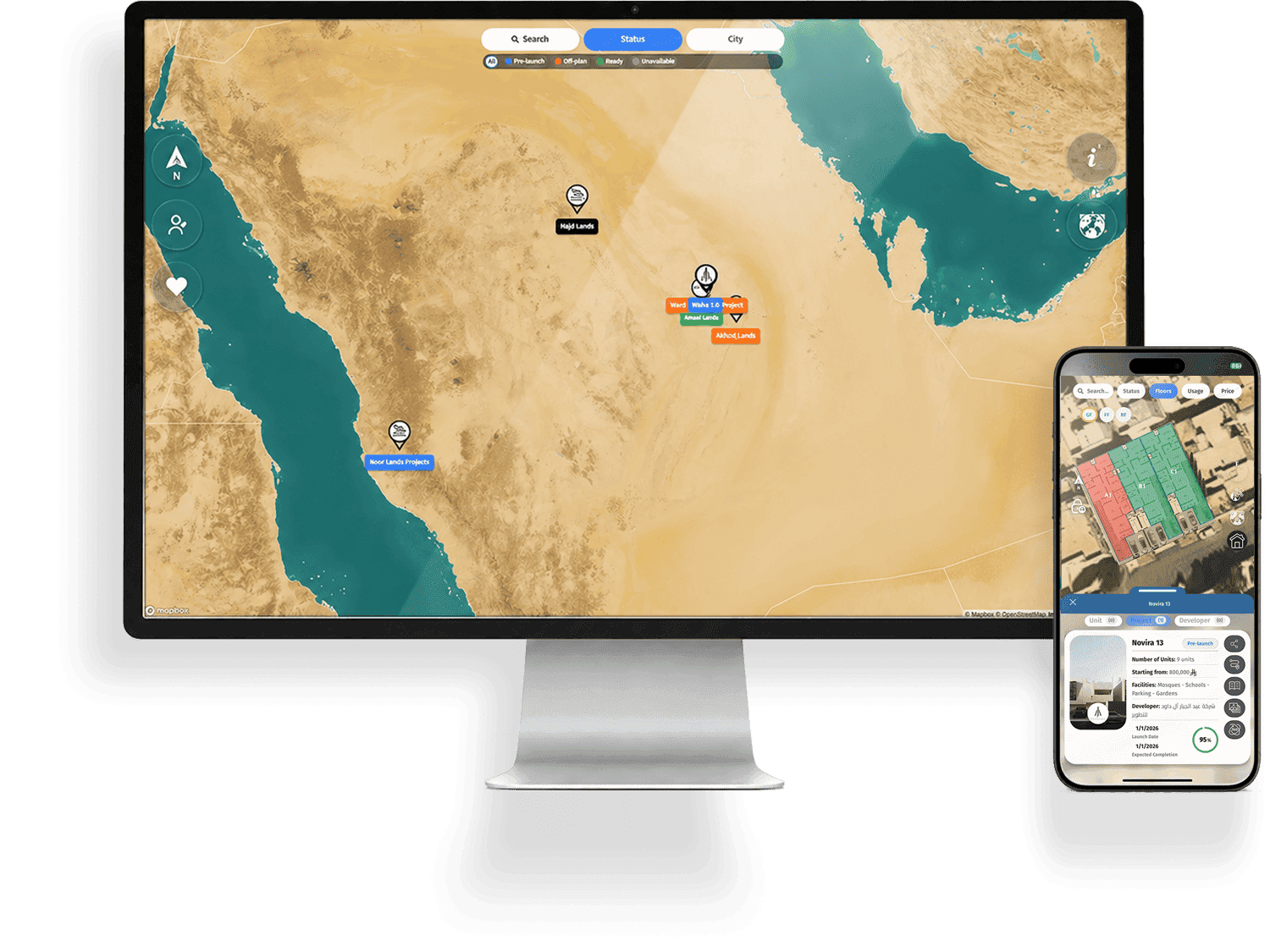
A unified interactive base map for your entire portfolio; connecting locations, masterplans, buildings, floors, units, availability, media, and buyer actions.
Masterplans, floors & units
Live availability & pricing
Media, tours & buyer actions

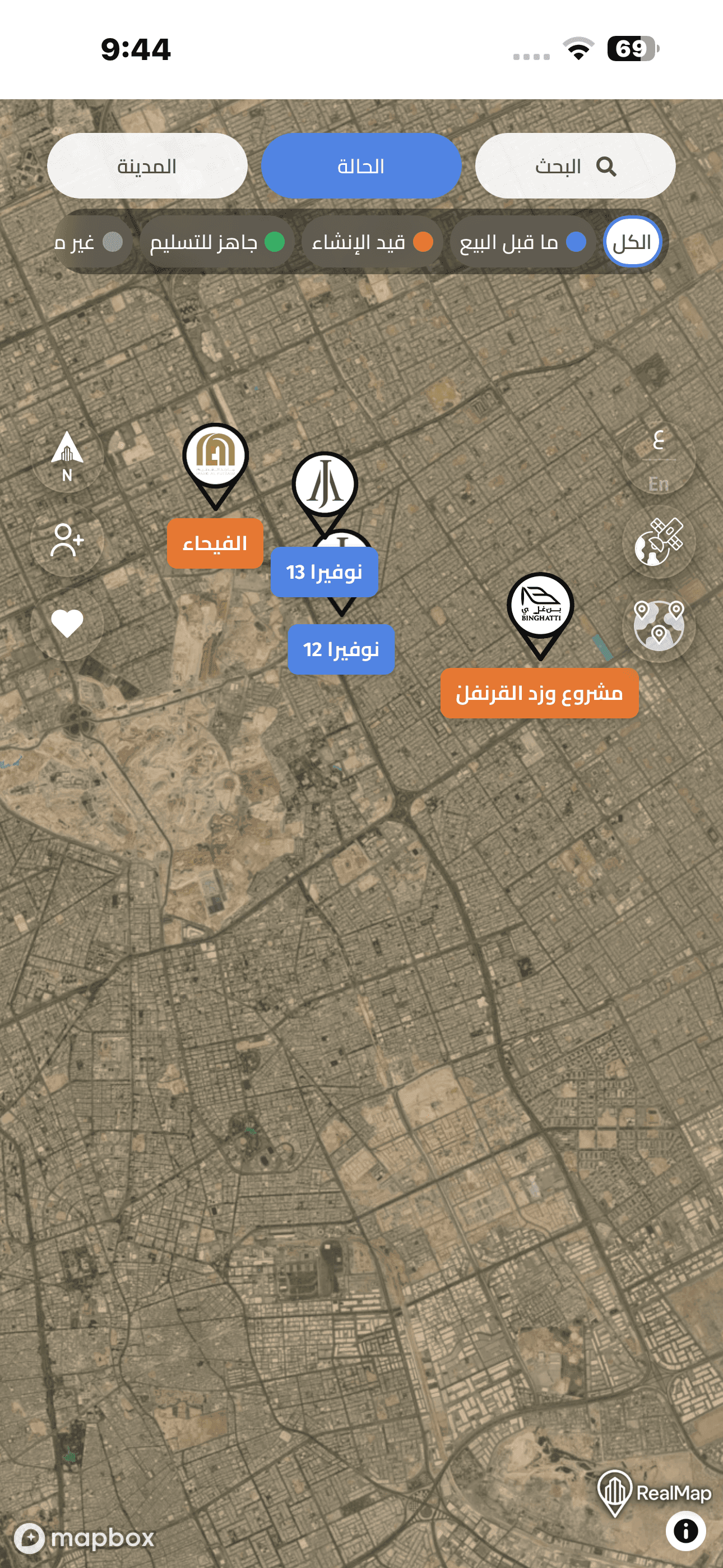
All Your Projects on One Base Map
A unified interactive base map for your entire portfolio; connecting locations, masterplans, buildings, floors, units, availability, media, and buyer actions.
Masterplans, floors & units
Live availability & pricing
Media, tours & buyer actions
All Your Projects on One Base Map
A unified interactive base map for your entire portfolio; connecting locations, masterplans, buildings, floors, units, availability, media, and buyer actions.
Masterplans, floors & units
Live availability & pricing
Media, tours & buyer actions
Sales-Ready Project Links
Turn each project into a live interactive link your sales team, brokers, and buyers can open instantly across web and mobile.
Share by WhatsApp or ads
No scattered PDFs or files
Clear project journey
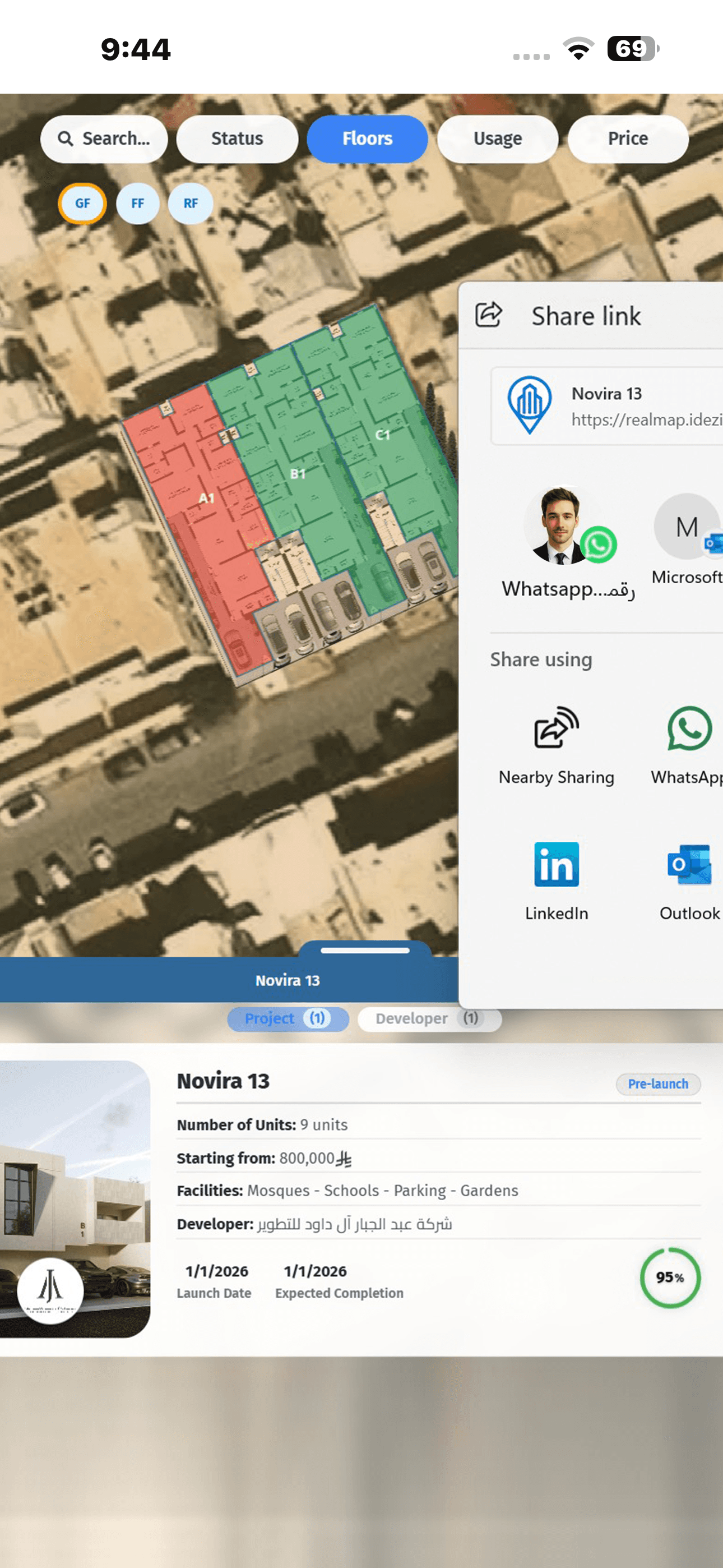
Sales-Ready Project Links
Turn each project into a live interactive link your sales team, brokers, and buyers can open instantly across web and mobile.
Share by WhatsApp or ads
No scattered PDFs or files
Clear project journey
Sales-Ready Project Links
Turn each project into a live interactive link your sales team, brokers, and buyers can open instantly across web and mobile.
Share by WhatsApp or ads
No scattered PDFs or files
Clear project journey
Sales Office & Display Experience
Use RealMap on showroom screens, sales centers, exhibitions, and launch events to present projects visually and guide buyer decisions.
Showroom-ready presentation
Touchscreen / display friendly
Faster buyer understanding

Sales Office & Display Experience
Use RealMap on showroom screens, sales centers, exhibitions, and launch events to present projects visually and guide buyer decisions.
Showroom-ready presentation
Touchscreen / display friendly
Faster buyer understanding
Sales Office & Display Experience
Use RealMap on showroom screens, sales centers, exhibitions, and launch events to present projects visually and guide buyer decisions.
Showroom-ready presentation
Touchscreen / display friendly
Faster buyer understanding
Project Dashboard & Control
Manage project data through RealMap or securely connect RealMap with your existing developer dashboard, CRM, website, mobile app, and sales workflow.
Update units, prices & availability
Secure dashboard / CRM connection
Keep sales teams aligned
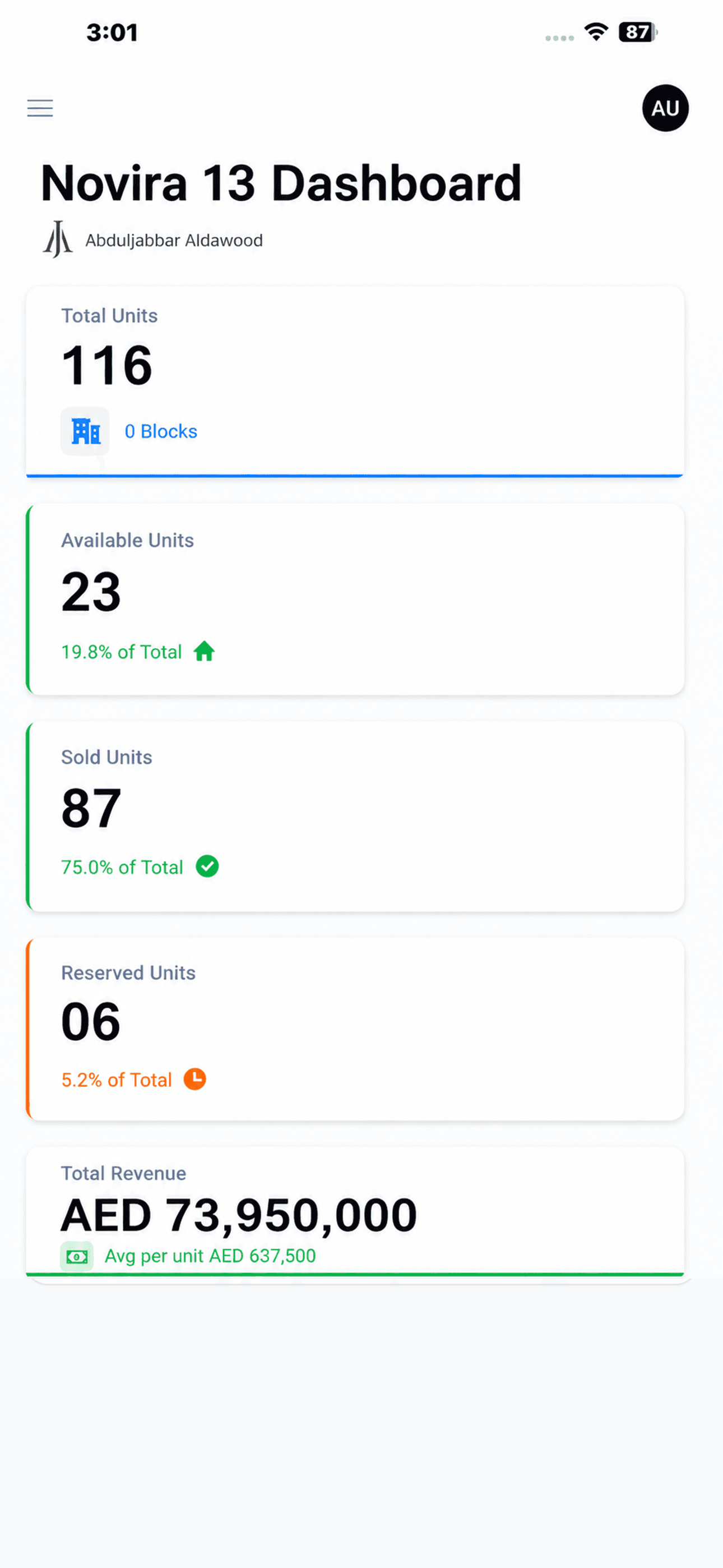
Project Dashboard & Control
Manage project data through RealMap or securely connect RealMap with your existing developer dashboard, CRM, website, mobile app, and sales workflow.
Update units, prices & availability
Secure dashboard / CRM connection
Keep sales teams aligned
Project Dashboard & Control
Manage project data through RealMap or securely connect RealMap with your existing developer dashboard, CRM, website, mobile app, and sales workflow.
Update units, prices & availability
Secure dashboard / CRM connection
Keep sales teams aligned
Developers
Developers
Sales Teams
Sales Teams
Buyers
Buyers
Brokers
Brokers
Marketing Teams
Marketing Teams
Showrooms
Showrooms
See RealMap in Action
A quick look at how developers can open a project, view units, check availability, and share a live project link.
A quick look at how developers can open a project, view units, check availability, and share a live project link.
GET STARTED
Start with one project
Start with one project
Project activation and custom implementation are scoped separately.
Project activation and custom implementation are scoped separately.
Quick to launch
Get your project live faster
Tailored to your needs
From single project to portifolio
Supported by experts
All the way from setup to scale

More than a map
A better way to sell
BUILT FOR DEVELOPERS & EXCLUSIVE SALES AGENCIES
A Complete Sales Layer for Real Estate Projects
RealMap brings project maps, live unit availability, floor plans and media into one interactive experience that helps buyers understand projects and sales teams present them clearly.

Unified Project Base Map
Bring locations, masterplans, buildings, floors, units, and availability into one connected interactive map.
Unified Project Base Map
Bring locations, masterplans, buildings, floors, units, and availability into one connected interactive map.
Unified Project Base Map
Bring locations, masterplans, buildings, floors, units, and availability into one connected interactive map.
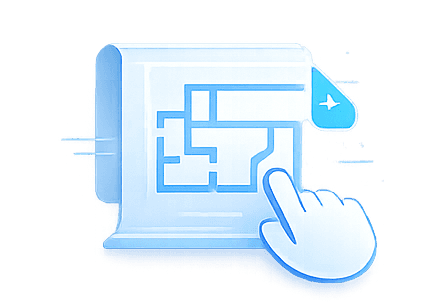
Interactive Site & Floor Plans
Let users move from project level to buildings, floors, and units through interactive visual plans.
Interactive Site & Floor Plans
Let users move from project level to buildings, floors, and units through interactive visual plans.
Interactive Site & Floor Plans
Let users move from project level to buildings, floors, and units through interactive visual plans.
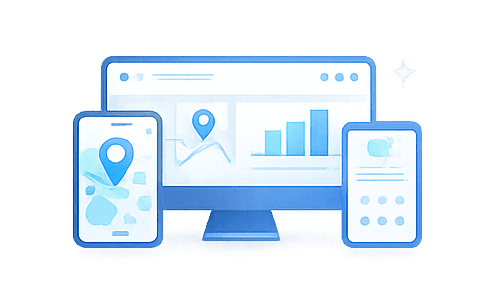
Sales Office & Display Ready
Use RealMap across web, mobile, and showroom screens to support stronger project presentation.
Sales Office & Display Ready
Use RealMap across web, mobile, and showroom screens to support stronger project presentation.

Secure Developer Control
Control access, data visibility, team permissions, dashboards, and integration options through a secure developer environment.
Secure Developer Control
Connect RealMap to your workflow through secure dashboards, controlled data access, and integration options.

Live Unit Availability
Show available, reserved, and sold units with clear real-time status for sales teams and buyers.
Live Unit Availability
Attach galleries, videos, 360 views, and virtual tours to make each project easier to explore.
Live Unit Availability
Show available, reserved, and sold units with clear real-time status for sales teams and buyers.
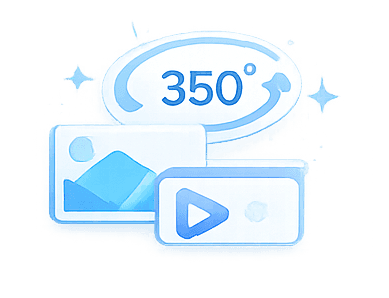
Media & Virtual Tours
Connect RealMap to your workflow through secure dashboards, controlled data access, and integration options.
Media & Virtual Tours
Connect RealMap to your workflow through secure dashboards, controlled data access, and integration options.
Media & Virtual Tours
Connect RealMap to your workflow through secure dashboards, controlled data access, and integration options.

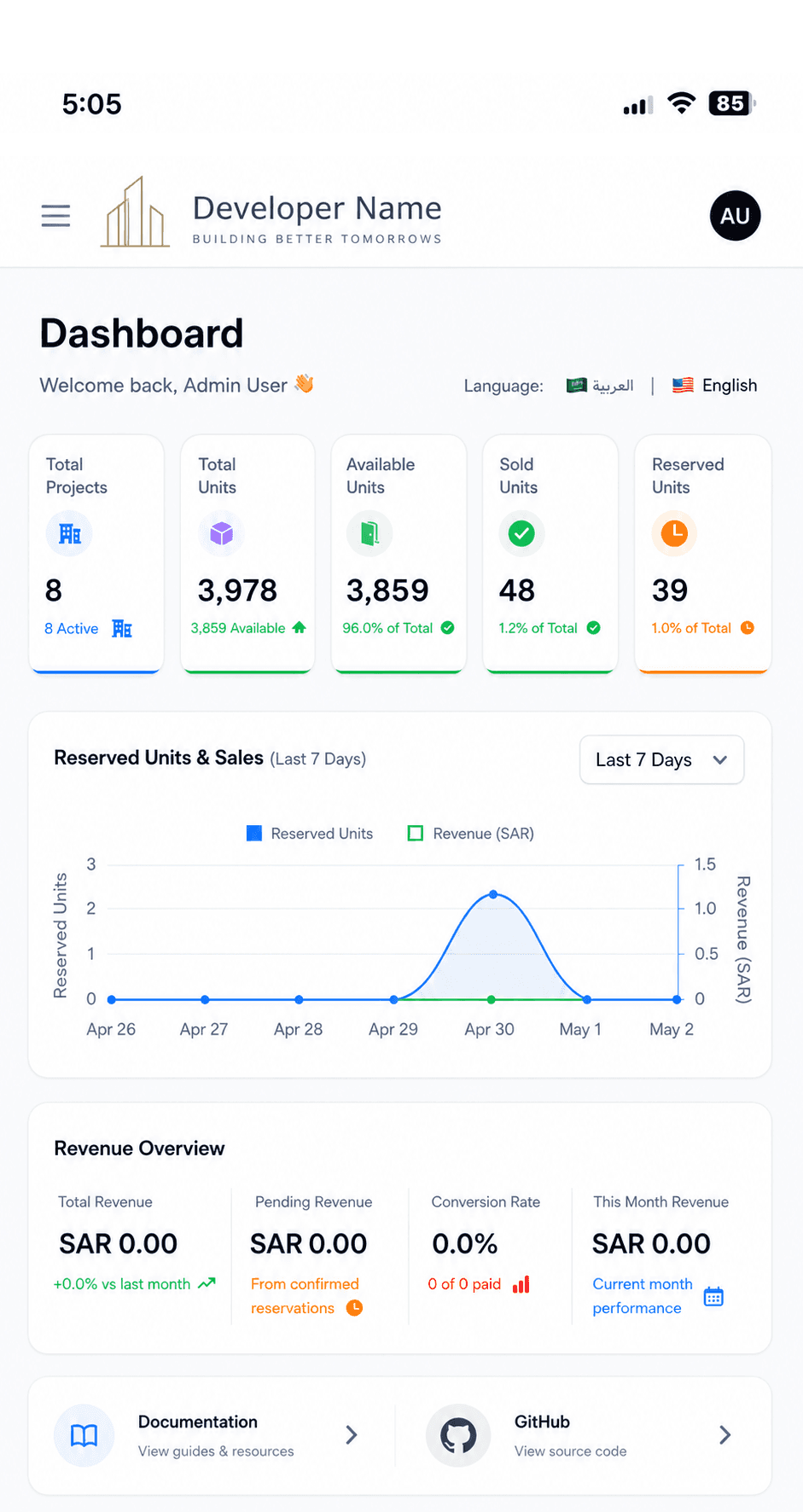
Integrate and Automate with Ease
Use RealMap as a standalone SaaS sales platform or connect it with your developer dashboard, CRM, website, white-label app, and sales channels.





Technical subscriptions cover RealMap platform access only. Essential Engineering Activation is required per project before go-live and starts from 6,000 AED.
Prices are shown in AED. VAT may apply where applicable. Advanced media, custom implementation, API/CRM integrations, and white-label scopes are priced separately.
Technical subscriptions cover RealMap platform access only. Essential Engineering Activation is required per project before go-live and starts from 6,000 AED.
Prices are shown in AED. VAT may apply where applicable. Advanced media, custom implementation, API/CRM integrations, and white-label scopes are priced separately.
Questions Before You Start with RealMap
Questions Before You Start with RealMap
From pilot setup and engineering activation to integrations, white-label options, and scaling across your project portfolio.
From pilot setup and engineering activation to integrations, white-label options, and scaling across your project portfolio.
Can we start with only one project ?
Yes. Developers can begin with one paid pilot project before scaling across their full portfolio. A quick pilot typically includes Essential Engineering Activation, starting from 6,000 AED per project, plus Starter Platform Access from 790 AED per month. For pilots requiring API, CRM, or dashboard integration, a minimum 3-month commitment applies due to the technical setup, testing, and coordination required.

Is engineering activation required, and what does it include ?
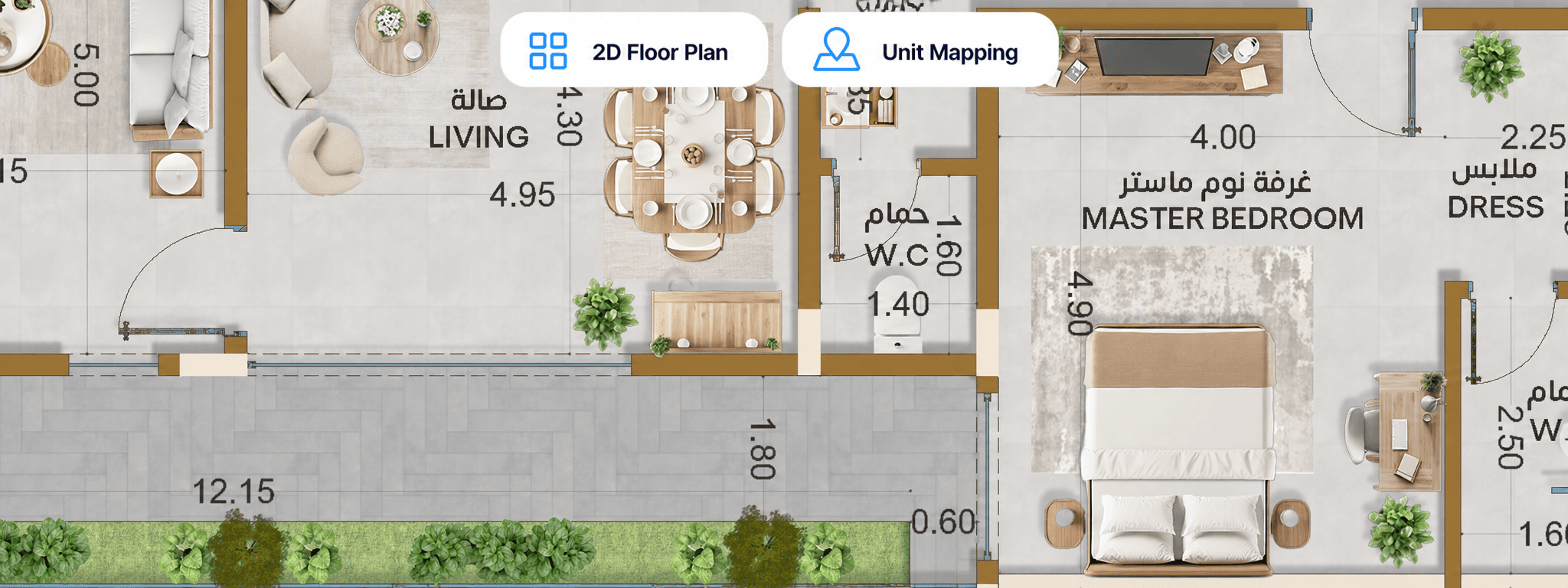
Yes. Every project requires a one-time Essential Engineering Activation before going live on RealMap. This prepares the project’s core engineering and spatial data, including GIS data preparation, 2D masterplan setup, floor plan setup, unit mapping, unit boundaries, and basic project data structuring. To start the activation, the developer needs to provide the project’s basic architectural DWG drawings, including the masterplan, floor plans, unit numbering, and unit schedule. Clear and accurate source files help RealMap activate the project faster and more accurately.
Can we upload and manage our own project content ?
Yes. After activation, developers can manage project content directly from the dashboard. This includes project images, videos, brochures, descriptions, prices, unit availability, reservation status, sales status, and other project updates.
Do we have to use RealMap for 3D, VR, or marketing media ?
No. Project Launch Services such as visualization, brochures, promo videos, floor-plan presentation and virtual tours are independent production services. RealMap is the separate technical platform that brings project geography, structure, data and media together in one interactive experience.
Can RealMap be included with Project Launch Services?
Yes. Selected qualifying Project Launch Services include 3 months of RealMap Launch Access for one project. The included period starts when the project goes live. Standard activation is included within the agreed scope. Custom development and integrations are quoted separately. Standard RealMap subscription pricing applies after the included period.
Can RealMap connect with our CRM or dashboard ?
Yes. API, CRM, and dashboard integration are available for Pro and Enterprise plans. Integration is priced after technical review based on system readiness, API availability, data structure, security requirements, and the required workflow.
Can RealMap be white-labeled ?
Yes. White-label solutions are available for Enterprise developers. This may include a dedicated developer-branded application powered by RealMap, a custom domain, branded project portfolio, developer information page, and optional secure system integration.
What if my project has more units, users, or projects ?
Additional users, unit capacity, and project volume can be added based on your plan. For larger projects, multiple-project portfolios, or enterprise requirements, RealMap may recommend upgrading to Pro or Enterprise for better scalability, support, and implementation flexibility.
Can we start with only one project ?
Yes. Developers can begin with one paid pilot project before scaling across their full portfolio. A quick pilot typically includes Essential Engineering Activation, starting from 6,000 AED per project, plus Starter Platform Access from 790 AED per month. For pilots requiring API, CRM, or dashboard integration, a minimum 3-month commitment applies due to the technical setup, testing, and coordination required.
Is engineering activation required, and what does it include ?
Yes. Every project requires a one-time Essential Engineering Activation before going live on RealMap. This prepares the project’s core engineering and spatial data, including GIS data preparation, 2D masterplan setup, floor plan setup, unit mapping, unit boundaries, and basic project data structuring. To start the activation, the developer needs to provide the project’s basic architectural DWG drawings, including the masterplan, floor plans, unit numbering, and unit schedule. Clear and accurate source files help RealMap activate the project faster and more accurately.
Can we upload and manage our own project content ?
Yes. After activation, developers can manage project content directly from the dashboard. This includes project images, videos, brochures, descriptions, prices, unit availability, reservation status, sales status, and other project updates.
Do we have to use RealMap for 3D, VR, or marketing media ?
No. Project Launch Services such as visualization, brochures, promo videos, floor-plan presentation and virtual tours are independent production services. RealMap is the separate technical platform that brings project geography, structure, data and media together in one interactive experience.
Can RealMap be included with Project Launch Services?
Yes. Selected qualifying Project Launch Services include 3 months of RealMap Launch Access for one project. The included period starts when the project goes live. Standard activation is included within the agreed scope. Custom development and integrations are quoted separately. Standard RealMap subscription pricing applies after the included period.
Can RealMap connect with our CRM or dashboard ?
Yes. API, CRM, and dashboard integration are available for Pro and Enterprise plans. Integration is priced after technical review based on system readiness, API availability, data structure, security requirements, and the required workflow.
Can RealMap be white-labeled ?
Yes. White-label solutions are available for Enterprise developers. This may include a dedicated developer-branded application powered by RealMap, a custom domain, branded project portfolio, developer information page, and optional secure system integration.
What if my project has more units, users, or projects ?
Additional users, unit capacity, and project volume can be added based on your plan. For larger projects, multiple-project portfolios, or enterprise requirements, RealMap may recommend upgrading to Pro or Enterprise for better scalability, support, and implementation flexibility.
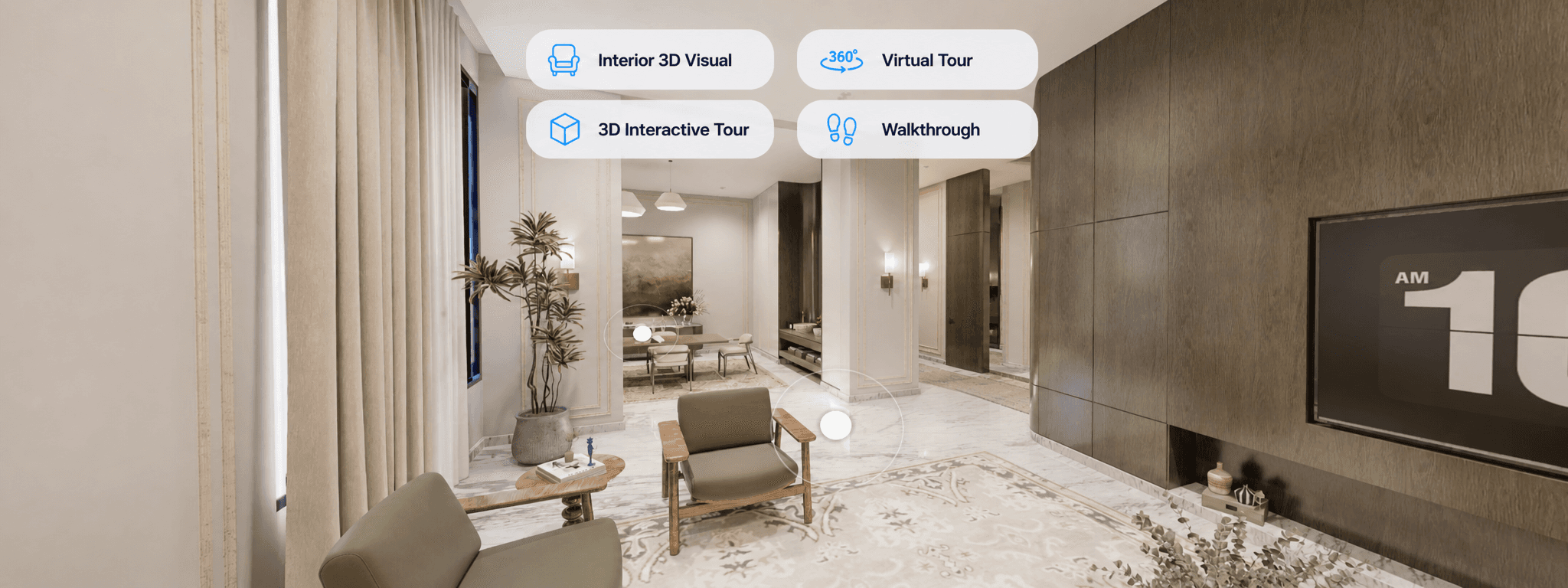
Engineering & Visual Assets
Optional 2D, 3D, virtual tour, video, and brochure assets to support project activation and enhance buyer presentations.
These services are available when developers need support preparing or upgrading their project content.
Explore Project Launch Services
Explore Project Launch Services


Start with One Pilot Project
Start with one project, activate your data, and explore RealMap before scaling across your full portfolio.

Start with One Pilot Project
Start with one project, activate your data, and explore RealMap before scaling across your full portfolio.
Start with One Pilot Project
Start with one project, activate your data, and explore RealMap before scaling across your full portfolio.